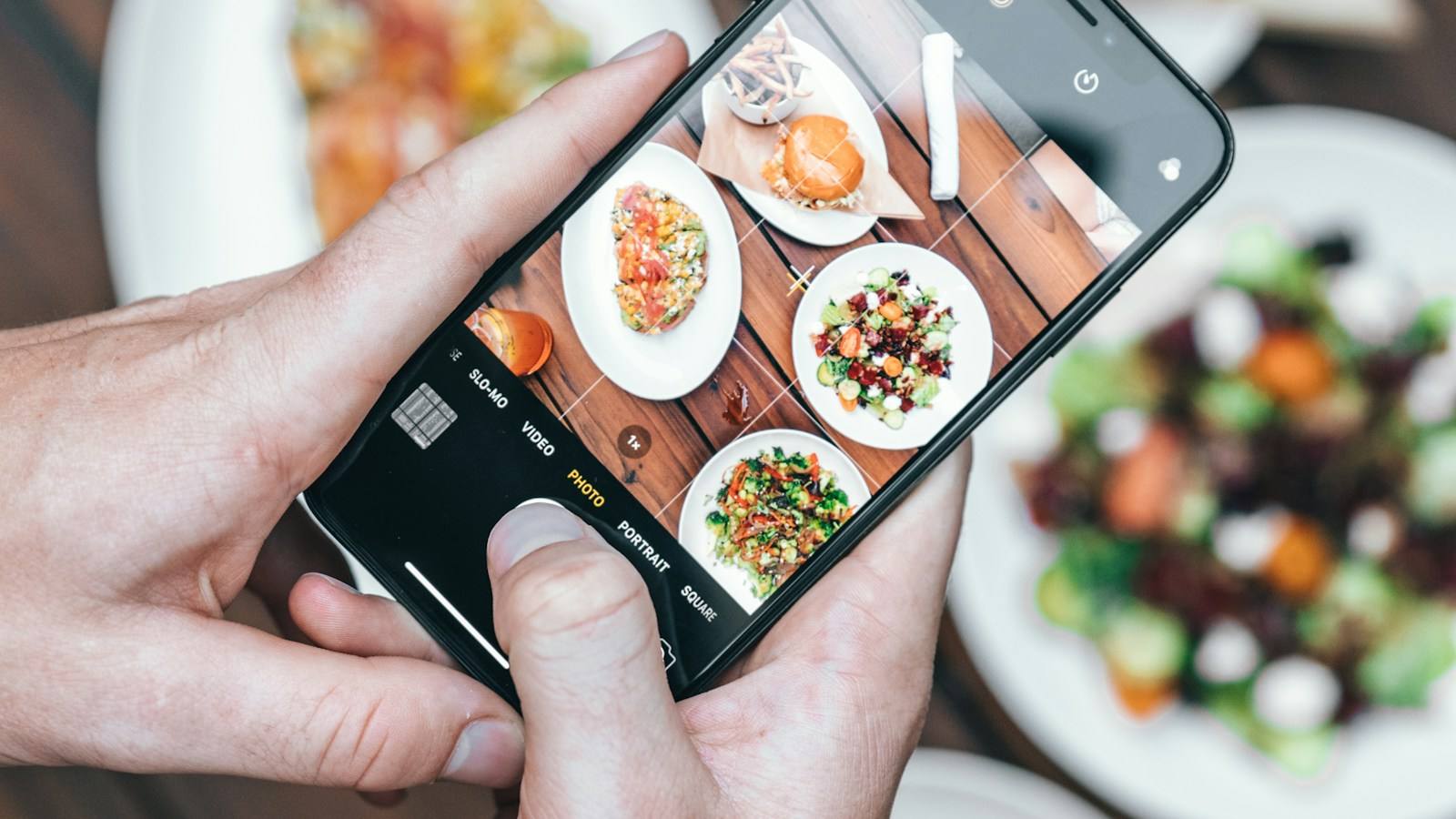
Snap a photo, get the calories: AI food logging has made tracking far less tedious. But if you are relying on the number to lose weight, you want to know how far off it can be. Here is what the research shows, why the errors happen, and how to make your logs more accurate, whichever app you use.
What the NIH test found
In July 2026, researchers from the US National Institute of Diabetes and Digestive and Kidney Diseases (NIDDK) presented a test of four popular calorie apps at NUTRITION 2026, the annual meeting of the American Society for Nutrition [1]. They photographed 102 meals prepared in a metabolic kitchen, where every ingredient is weighed, and compared the apps' estimates with the true values. The apps were MyFitnessPal, Lose It!, Cal AI and Appediet.
The main findings:
- All four apps underestimated calories by about 250 to 345 kcal per meal on average.
- They underestimated fat by about 30 g per meal.
- Carbohydrates were estimated more consistently than fat or protein.
- A follow-up on more than 200 additional meals suggests the apps struggle even more with low-carb, high-fat (keto) meals.
The researchers' advice: don't rely on the photo estimate alone, because what you actually ate is likely higher than what the app shows. These results were presented at a conference and have not yet been published in a peer-reviewed journal [1].
How much photo apps missed per meal
Why a few hundred calories matters
If your plan is a 300–500 kcal daily deficit, a consistent 250–345 kcal underestimate per meal can erase it entirely. That's a common reason people "eat at their target" and see no change on the scale. (For how to set and adjust that target, see How many calories should I eat to lose weight?)
Why AI calorie estimates go wrong
1. Hidden fat
A tablespoon of olive oil has about 120 kcal, and it is invisible once it's in the pan. The same goes for butter on vegetables, cream in a sauce or dressing on a salad. Fat has 9 kcal per gram against 4 for protein and carbohydrate, so the 30 g of fat the apps missed accounts for about 270 kcal, most of the gap. It also explains why keto meals did worse.
2. Portion size from a flat picture
A photo has no depth. A bowl of pasta can be shallow or deep; a portion of rice can be pressed or fluffy. Google researchers showed in their Nutrition5k study of about 5,000 weighed dishes that adding depth information improves nutrition predictions compared with a normal image [2]. Phones usually don't provide that, so the model has to guess volume.
3. Mixed dishes and recipes
A curry, a casserole or a burrito hides most of its ingredients. The app has to infer the recipe, and recipes vary widely: the same "chicken curry" can differ by hundreds of calories depending on oil and coconut milk.
4. Where the numbers come from
Some tools let the AI estimate calories directly. Others identify the food, then look up its nutrients in a food database. Database values are measured averages, so they are not perfect for your specific meal either, but they are consistent and traceable. Either way, the final number can only be as good as the food identification and the portion estimate.
Is photo logging worth it?
Yes, as long as you know its limits. A systematic review of 22 studies found a consistent link between self-monitoring and weight loss: people who track what they eat tend to lose more [3]. The best tracking method is the one you will keep using. For many people, that's a photo rather than weighing and searching every ingredient.
Remember that humans are bad at this too. In the Nutrition5k study, the AI model estimated calories and macros from images more accurately than professional nutritionists did [2]. The goal is not a perfect number but a log that is consistent enough to spot patterns, plus a weight trend to correct it.
How to get more accurate results from any app
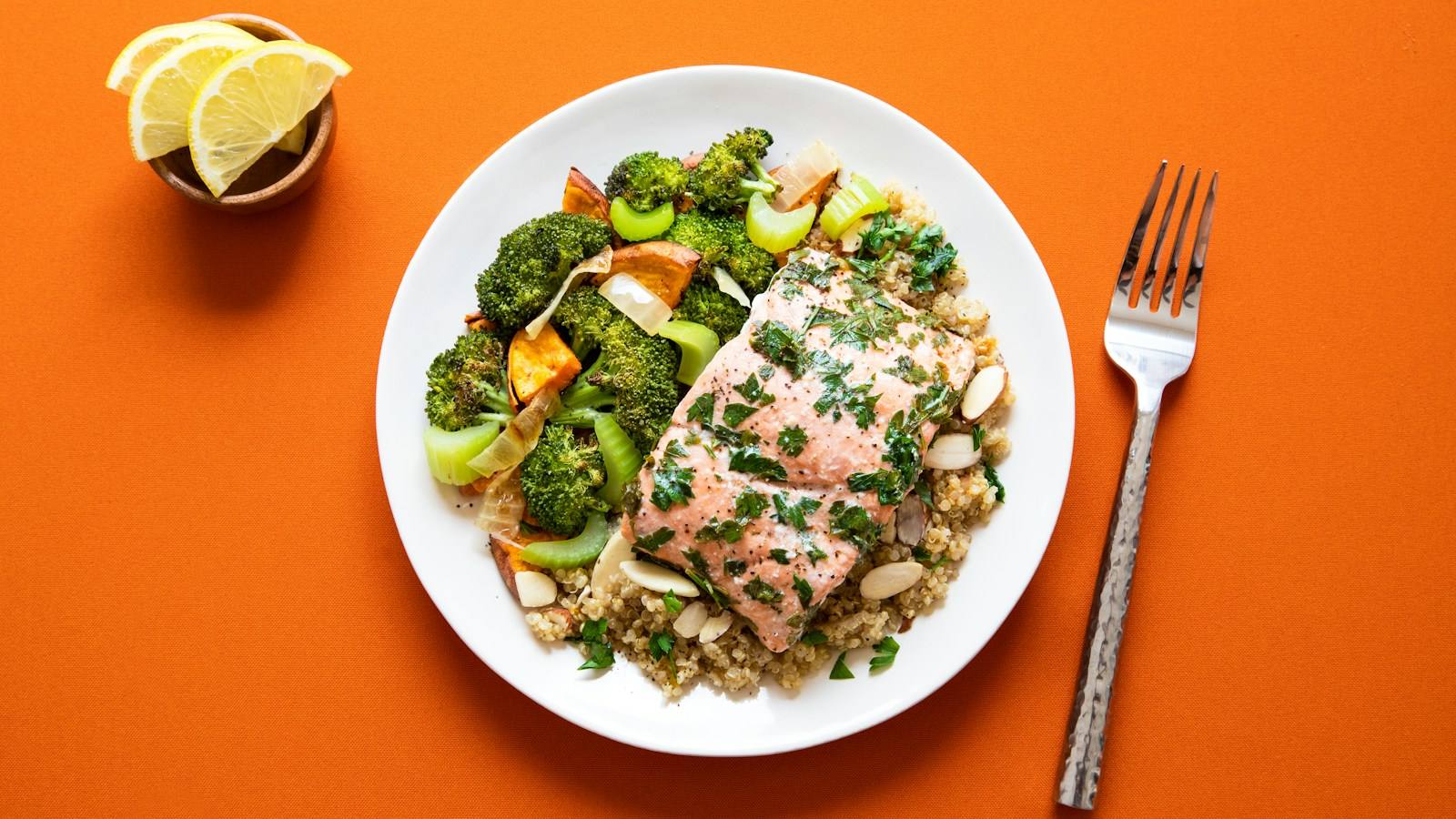
- Shoot the whole plate from above, in good light, with nothing cut off. Separate foods on the plate where you can.
- Tell the app about hidden ingredients: cooking oil, butter, sauces, dressings, sugar in drinks. If the app asks follow-up questions (Apeli asks them whenever a meal likely has hidden extras), answer them.
- Check the portion on calorie-dense foods: oils, nuts, cheese, pasta, rice and meat. Fixing these matters far more than adjusting your broccoli.
- Log drinks and snacks, including milk in coffee and the bites while cooking.
- Weigh a few meals once in a while to calibrate your eye, especially foods you eat often.
- Trust the trend. If your weight isn't moving as expected after 2–3 weeks, assume the log is low before assuming your metabolism is broken.
How Apeli approaches accuracy
We built Apeli around the weak spots above, without claiming to have solved them:
How Apeli turns a photo into nutrients
- 1. PhotoYou snap your plate
- 2. IdentifyAI lists each food and its grams
- 3. MatchEach food is matched to a national food database
- 4. Nutrients36 nutrients computed from database values
- The AI never invents nutrient numbers. It identifies each food and estimates grams, then matches it to entries in four national food databases (USDA FNDDS, ANSES Ciqual, the Swiss Food Composition Database and the German BLS). Nutrients are computed from those values.
- Every food and portion is editable before you save, and you can log meals by hand.
- We test the scan pipeline against weighed meals from the Nutrition5k dataset while developing it.
Estimating hidden fat, then asking you
Because hidden fat is the biggest gap, Apeli doesn't just log what the camera sees. While analysing your photo, it also looks for the extras that are usually there but hard to see: cooking oil, butter, sauces, dressings and sweeteners. For each likely extra (up to three per meal) it adds a short follow-up question to A few checks, matched to a real database entry such as olive oil, on a spoon-sized portion.
When the photo shows evidence, such as a glossy roasted surface, a visible dressing or a creamy sauce, Apeli adds its best estimate straight away (for example one teaspoon of olive oil) so it isn't silently missing from your log. You confirm it, change it to a tablespoon, or remove it in one tap.
Example: a follow-up check after scanning roasted vegetables
A few checks
Were these vegetables cooked with oil?
- Olive oil, 1 teaspoon+40 kcal
- Olive oil, 1 tablespoon+119 kcal
- No oil+0 kcal
Pre-selected because the photo shows a glossy, roasted surface. Change it in one tap.
A teaspoon of olive oil is about 40 kcal; a tablespoon about 120 kcal. Answering one quick question can close part of the gap the NIH test found, without weighing anything.
The full method is on How Apeli works. If you are comparing apps, see our honest side-by-sides: Apeli vs Cal AI and Apeli vs MyFitnessPal.
References
- Photo-based calorie tracking apps may underestimate energy in meals (NIDDK research presented at NUTRITION 2026). American Society for Nutrition via Newswise, July 2026
- Thames Q, et al. Nutrition5k: Towards automatic nutritional understanding of generic food. CVPR, 2021
- Burke LE, Wang J, Sevick MA. Self-monitoring in weight loss: a systematic review of the literature. J Am Diet Assoc, 2011